Nintendo Switch Screen Getting Scratched? Best Screen Protectors and Carrying Cases
Heads up: this post contains affiliate links. If you buy through them, Rough Wrap may earn a commission at no extra cost to you.
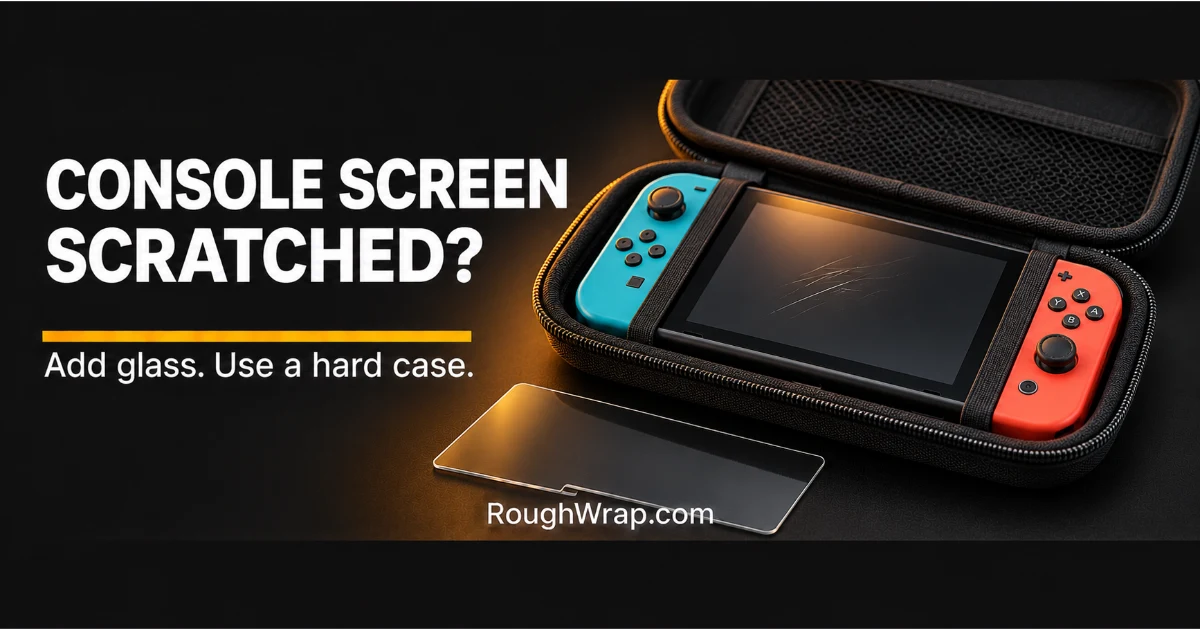
Switch screens get scratched in the dumbest ways. Sliding in and out of the dock. Rattling around in a backpack. A kid setting it face-down on the driveway.
A screen protector and a hard carrying case solve most of it. But first, one thing you should never do.
Don’t peel off the factory film
The Switch OLED model (and Nintendo Switch 2) has a glass screen with an anti-scattering adhesive film already on it. Nintendo’s manual says not to peel it off. It’s there to stop the glass from scattering into sharp pieces if it breaks.
You can put a regular screen protector on top of it. Just don’t remove the factory film to make room.
Quick picks
| Pick | Best for | Where to buy |
|---|---|---|
| Tempered glass Switch screen protector | Scratches from docks and bags | Check price on Amazon |
| Hard shell carrying case | Backpacks and road trips | Check price on Amazon |
| Shock-absorbing grip case | Kids and drop-prone players | Check price on Amazon |
| Dock sleeve or soft dock cover | Preventing dock scratches | Check price on Amazon |
How we picked
We didn’t run scratch tests. We compared screen protector fit for each Switch model, dock compatibility and case size, and we followed Nintendo’s guidance about the factory film on glass-screen models.
Always buy for your exact Switch model.
1. Tempered glass Switch screen protector: best overall
Tempered glass takes the scratches so your screen doesn’t, and it feels like the original glass under your finger.
Buy for your exact model: original Switch, Switch Lite, Switch OLED or Switch 2 all have different screen sizes.
The catch: Thick glass can rub the dock on some models. Look for dock-friendly listings.
Shop Nintendo Switch tempered glass screen protectors on Amazon
2. Hard shell carrying case: best for travel
A hard shell case keeps the console from getting crushed or scratched in a bag. Most have slots for game cards.
Get one sized for your model, especially if you use a grip case.
The catch: Hard cases add bulk. Some won’t fit with a thick grip case on.
Shop Nintendo Switch hard carrying cases on Amazon
3. Shock-absorbing grip case: best for kids
A rubbery grip case wraps the console and gives small hands more to hold, so it gets dropped less.
Many still let the console slide into the dock.
The catch: Some grip cases need to come off before docking. Check the listing.
Shop Nintendo Switch grip cases on Amazon
4. Dock sleeve or soft dock cover: best for docks
Scratches often come from sliding the console into the dock. A soft dock lining or cover reduces contact.
Simple fix for people who dock every night.
The catch: Make sure it doesn’t block vents or the connector.
Shop Nintendo Switch dock protectors on Amazon
Habits that keep a Switch screen clean
- Slide it into the dock straight, not at an angle.
- Store it in a case, not loose in a bag.
- Wipe the screen with a soft microfiber cloth.
- Keep game cards in a card holder so they don’t get lost.
FAQ
Should I remove the film on my Switch OLED screen?
No. Nintendo says not to peel off the anti-scattering adhesive film on the OLED model’s screen.
Can I put a screen protector on a Switch OLED?
Yes. A screen protector can go on top of the factory film.
Does the Switch dock scratch the screen?
It can over time, especially if you slide it in at an angle. A screen protector and careful docking help.
Which screen protector fits my Switch?
Buy one made for your specific model, since the original, Lite, OLED and Switch 2 screens are different sizes.
Related reading
Get Device Protection Tips in Your Inbox
Honest product picks and quick fixes for your phone, laptop and tablet. No spam, ever.
Disclosure: Rough Wrap may earn a commission if you buy through links on this page, at no extra cost to you. See our affiliate disclosure.