Phone Overheating in Your Car Mount? How to Keep It Cool (Even in the Hot Summer)
Heads up: this post contains affiliate links. If you buy through them, Rough Wrap may earn a commission at no extra cost to you.
You’re 10 minutes from the address, your maps are open, and the screen goes dim. Then the warning: your phone needs to cool down before you can use it. Now you’re driving blind.
If that sounds familiar, you’re not unlucky. A phone in a car mount, in the sun, running GPS and charging at the same time, is basically a recipe for overheating. Here’s why it happens and what actually fixes it.
Why phones overheat in the car
Apple says iPhones are designed to work in ambient temperatures between 32° and 95°F. On a summer afternoon in Texas, the air inside a car can blow past that before you’ve even backed out of the driveway. Now stack the rest on top: sunlight hitting the screen through the windshield, navigation pegging the processor and GPS, the screen cranked to max brightness, and a charger pumping in heat. Your phone’s dealing with four heat sources at once.
When it gets too hot, your phone protects itself. Apple lists the signs: charging slows or stops, the display dims, and eventually the temperature warning screen appears. Android phones do something similar. It’s annoying, but it’s doing you a favor. Apple also warns that high heat can permanently shorten battery life, which is the real long-term cost.
1. Move it to the AC vent
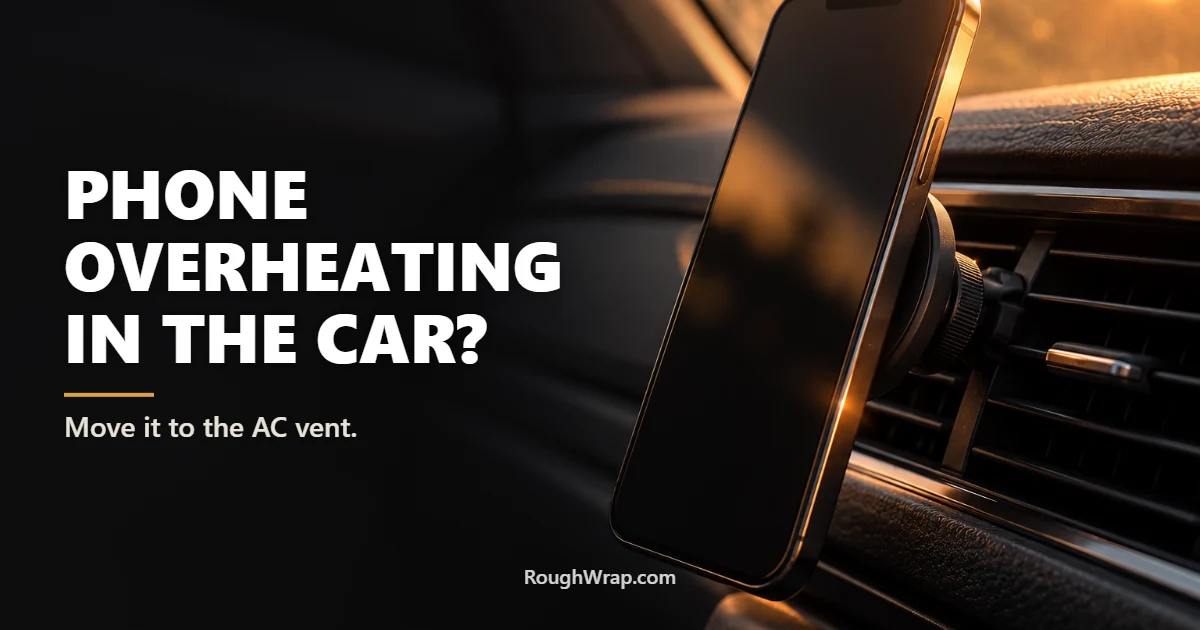
The single best fix is free if you already have a vent mount, and cheap if you don’t. A vent mount puts the back of your phone right in front of the air conditioning, which pulls heat away while you drive. Dashboard and windshield mounts do the opposite: they park your phone in direct sun.
A sturdy MagSafe-style vent mount or clamp-style vent mount works for most phones. Just keep the AC on cool. A vent mount blowing hot heater air in winter can overheat a phone too, so switch vents or angle the louvers away.
2. Get it out of direct sunlight
If you can’t use a vent, at least get the phone out of the sun’s path. Mount it lower on the dash, angle it away from the windshield, or use a windshield sunshade when you’re parked. And never leave your phone sitting on the dash or seat in a parked car. Apple specifically says to avoid leaving your device in a car on a hot day.
3. Take off the thick case while driving
Rugged cases are great for drops, but they trap heat. If you use a heavy-duty case (and if you read our rugged phone case guide, you might), it can act like a little jacket on a hot day. If your phone keeps overheating in the car, try a slimmer case, or just pull it off for the drive. Apple even suggests removing a case if your iPhone gets hot while charging.
4. Skip fast charging on hot days
Charging creates heat, and fast charging creates more. Wireless charging creates even more, because some energy is lost as heat. If your phone’s struggling, charge it with a regular cable at a lower wattage, or unplug it for the drive if you’ve got enough battery. Turning the screen brightness down a notch helps too.
5. Try a cooling car mount
If you drive for work (deliveries, rideshare, real estate showings across town), a cooling car mount is worth a look. These have a small fan, and many have a cooling plate behind the phone that actively pulls heat out, while also charging. They’re bulkier and cost more than a basic mount. But if your phone overheats every afternoon, it’s the fix that actually keeps up.
6. Know what to do when the warning pops up
If you see the temperature warning, pull over when it’s safe. Then unplug the phone, take it out of the mount and the case, and let it cool in the shade or in front of the AC. Don’t put it in the freezer or a cooler with ice. Sudden cold can cause condensation inside the phone, which is worse than the heat. Apple’s advice is simple: turn it off, move it somewhere cooler, and let it cool down.
Bonus: keep a backup plan
If you depend on your phone for navigation, download offline maps for the areas you drive most. If the phone overheats, you can at least keep following the route once it cools without waiting on a data connection. And if your phone’s getting hot all the time, not just in the car, our list of mistakes that ruin a phone early covers other heat habits that wear out batteries.
FAQ
Why does my phone overheat in my car mount?
Usually a combination of hot cabin air, direct sun through the windshield, navigation running the processor and GPS hard, a bright screen, and charging at the same time. Each one adds heat, and together they push the phone past its safe range.
What temperature is too hot for an iPhone?
Apple says iPhones are designed to work in ambient temperatures between 32° and 95°F. Above that, the phone may slow charging, dim the screen, or show a temperature warning.
Are vent mounts better than dashboard mounts for heat?
Yes, as long as the AC is blowing cool air. A vent mount puts the phone in airflow and out of direct sun, while dashboard and windshield mounts often leave it baking in sunlight.
Do cooling phone mounts really work?
Mounts with a fan and a cooling plate can lower phone temperature noticeably, especially while charging. They’re most useful for people who drive for work and run navigation for hours.
Can heat damage my phone’s battery?
Yes. Apple warns that using a device in very hot conditions can permanently shorten battery life. Repeated overheating wears the battery down faster.
Should I put my overheated phone in the fridge?
No. Fast temperature changes can cause condensation inside the phone. Turn it off, move it to a cooler shaded spot or in front of the AC, and let it cool down naturally.
Disclosure: Rough Wrap may earn a commission if you buy through links on this page, at no extra cost to you. See our affiliate disclosure.