
Screen Protector Bubbles Won’t Go Away? How to Fix Them (and Avoid Them Next Time)
Heads up: this post contains affiliate links. If you buy through them, Rough Wrap may earn a commission at no extra cost to you.
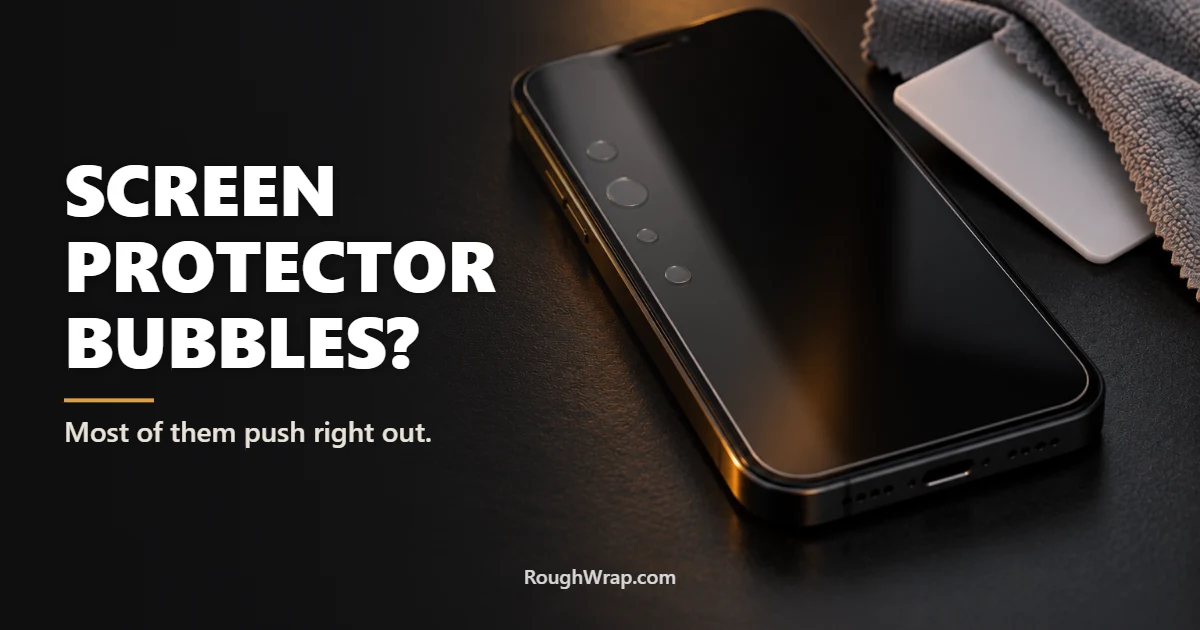
You lined it up perfectly. You pressed it down. And there it is: a little bubble right in the middle of the screen, staring back at you every time you unlock your phone.
Don’t rip it off yet. Most screen protector bubbles can be fixed, and the fix depends on what kind of bubble you’re looking at. Take 10 seconds to figure that out first.
Step 1: Figure out what kind of bubble it is
Air bubble: Clear, soft-edged, and usually near the edges or corners. If you press on it, it moves or shrinks. These are the easy ones.
Dust bubble: A small bubble with a tiny speck in the center, like a pinpoint. Pressing on it does nothing, because there’s a piece of dust or lint holding the protector up. These won’t go away on their own.
Edge lifting: A white or rainbow-colored band along the curved edge of the screen. That’s the protector not sticking to a curved display, and it usually means the protector or your case is the wrong fit.
How to fix air bubbles
Grab a credit card (or the plastic squeegee card that came in the box) and wrap it in a soft microfiber cloth. Starting from the center of the bubble, push it firmly toward the nearest edge. Work slowly. Most air bubbles slide right out.
If you’re using a plastic film protector, small leftover bubbles often disappear on their own within a day or two as the adhesive settles. Tempered glass doesn’t really work that way. If an air bubble stays put on glass after you squeegee it, gently lift the nearest corner with your fingernail or a piece of tape, let the bubble release, and lay it back down.
How to fix dust bubbles
This is the trick that saves most “ruined” protectors. Take a piece of clear tape and stick it to the corner of the screen protector closest to the dust bubble. Slowly lift the protector just enough to expose the speck of dust. Don’t peel it all the way off, and don’t touch the sticky side with your fingers.
Now take another small piece of tape, sticky side out, and dab the dust speck right off the screen (or off the underside of the protector). Lower the protector back down and push out any air with your card. Done.
A dust removal sticker kit costs a couple of bucks and makes this much easier. A lot of protectors include those stickers in the box. They’re the little blue or green tabs people usually throw away.
When to give up and replace it
If a tempered glass protector is cracked, has fingerprints on the sticky side, or keeps lifting at the edges, replace it. Same goes for a film protector you’ve lifted three or four times, because the adhesive loses its grip. Screen protectors are cheap. A scratched phone screen isn’t.
How to install the next one bubble-free
Here’s the honest truth: most bubbles come from dust and crooked installs, not bad protectors. Fix those two things and you’ll rarely see a bubble again.
Use the bathroom steam trick. Run a hot shower for a few minutes with the door closed, then install your protector in that bathroom. The steam pulls dust out of the air. It sounds silly. It works.
Clean the screen like you mean it. Wipe with the alcohol pad, dry with the microfiber cloth, then go over the whole screen with a dust sticker before you even peel the protector’s backing.
Use an alignment frame. This is the biggest one. A protector that comes with an installation frame or alignment tray drops into place perfectly straight, so you’re not hovering it over the screen trying to line it up while dust floats in. Once you’ve used one, you won’t go back.
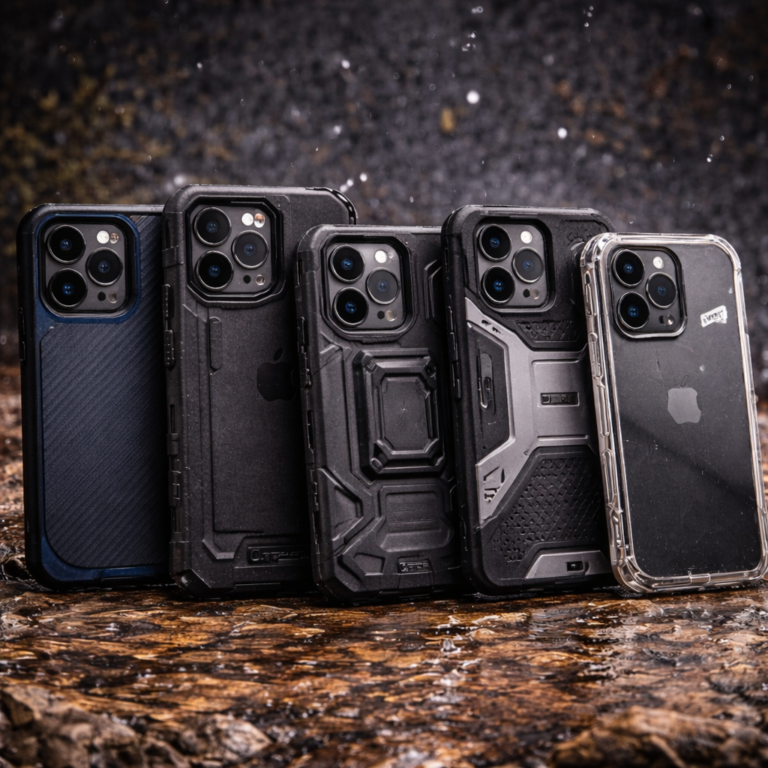
Match it to your case. Some full-coverage protectors fight with rugged cases and lift at the edges. Look for “case-friendly” on the box. If you’re shopping for a tougher case, our rugged phone case guide has picks that play nice with screen protectors.
Glass or film?
For most people, I’d go tempered glass. It feels like the real screen, it’s easier to install without bubbles (especially with a frame), and it takes the hit when you drop your phone face-down. Film is thinner and handles curved edges better, but it scratches more easily and feels plasticky. If you’re curious how this all works, here’s the science behind drop protection.
FAQ
Will bubbles under a screen protector go away on their own?
Small air bubbles under a film protector often fade within a day or two as the adhesive settles. Dust bubbles never go away on their own, and air bubbles under tempered glass usually need to be pushed out.
How do I get dust out from under a screen protector?
Lift the corner closest to the dust with a piece of tape, dab the speck off with another piece of tape, then lay the protector back down and push out the air with a card wrapped in a microfiber cloth.
Why does my screen protector have a white edge?
That’s usually edge lifting, where the protector doesn’t fully stick to a curved screen or gets pushed up by a tight case. A case-friendly protector or a different case typically fixes it.
Can I reuse a screen protector after removing it?
Sometimes, if you lift it carefully and don’t touch or contaminate the sticky side. Each time you lift it, the adhesive gets weaker, so expect diminishing results.
Is tempered glass better than plastic film?
For most people, yes. Tempered glass resists scratches better, feels more like the real screen, and helps absorb impact. Film is thinner and can work better on some curved displays.
How do I install a screen protector without bubbles?
Install it in a steamy bathroom to cut down on dust, clean the screen thoroughly, use a dust sticker right before applying, and use a protector with an alignment frame so it drops on straight.
Disclosure: Rough Wrap may earn a commission if you buy through links on this page, at no extra cost to you. See our affiliate disclosure.
One Comment