Phone Case Too Thick for Your Wireless Charger? Best Thin MagSafe-Compatible Cases
Heads up: this post contains affiliate links. If you buy through them, Rough Wrap may earn a commission at no extra cost to you.
You set your phone on the charger, go to bed, and wake up at 40%. Or the MagSafe puck keeps sliding off. Nine times out of ten, the case is the problem.
Wireless charging works over a very short gap. Add a thick rugged case, a wallet or a metal plate and the connection gets weak, slow or stops altogether.
Why cases block wireless charging
Wireless chargers transfer power through a magnetic field across a tiny gap. Extra thickness, metal or magnets in the wrong place weaken it.
Apple suggests removing thick cases, metal cases or battery cases if your iPhone isn’t charging or charges slowly on a wireless charger. And it says to take out cards and other sensitive items before charging with MagSafe.
Quick picks
| Pick | Best for | Where to buy |
|---|---|---|
| Slim case with built-in MagSafe magnets | Reliable magnetic charging | Check price on Amazon |
| Qi2-compatible magnetic case | Newer Android phones and Qi2 chargers | Check price on Amazon |
| Protective case with magnet ring | Drop-prone people who still want MagSafe | Check price on Amazon |
| Detachable magnetic wallet | Card carriers who wirelessly charge | Check price on Amazon |
How we picked
We didn’t run charging speed tests. We compared case thickness, built-in magnets and stated MagSafe or Qi2 compatibility, based on what Apple and charging standards say actually affects wireless charging.
We avoided rugged cases with no magnets and battery cases, since those are the usual culprits.
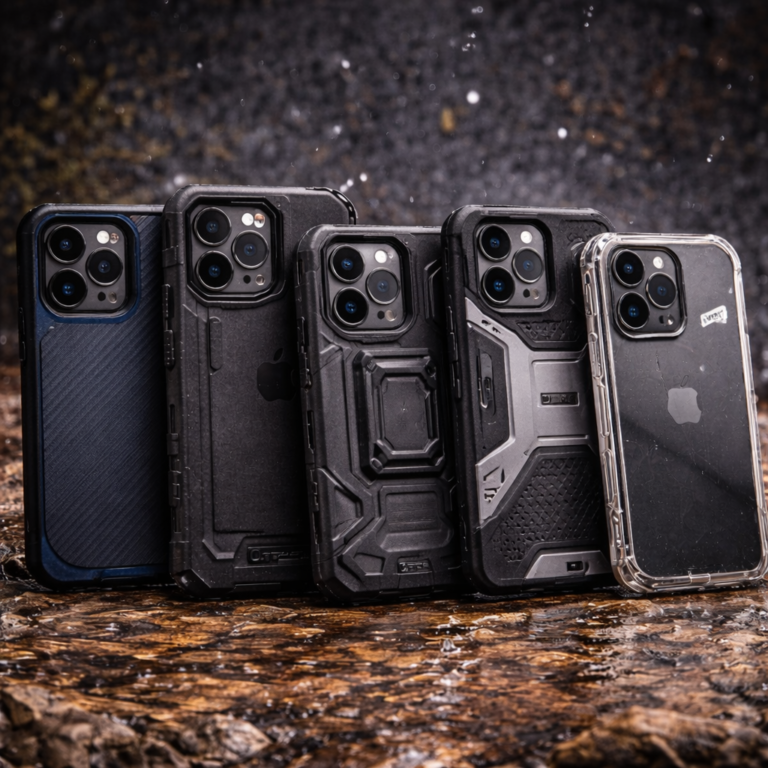
1. Slim case with built-in MagSafe magnets: best overall
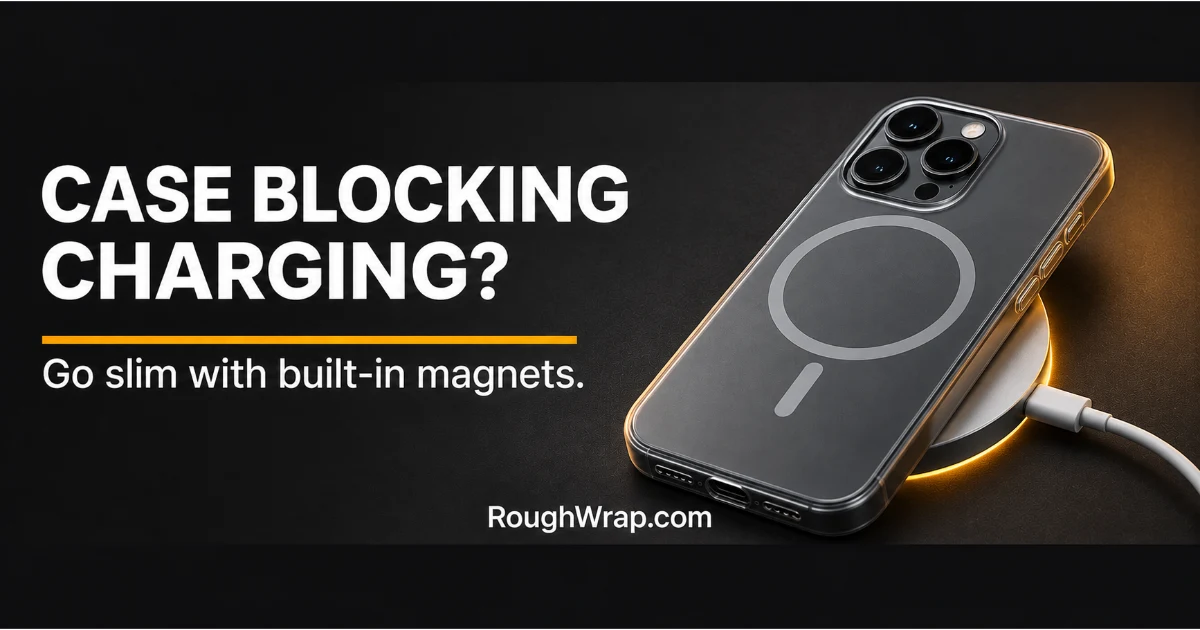
A slim case with a built-in magnet ring keeps the charger snapped in the right spot, so you get a solid connection every time.
Check that it’s listed for your exact phone model.
The catch: Slim cases give up some drop protection. Add a screen protector.
Shop slim MagSafe cases on Amazon
2. Qi2-compatible magnetic case: best for Android
Qi2 brings MagSafe-style magnetic alignment to more phones and chargers. If your phone or charger supports Qi2, a matching magnetic case keeps them lined up.
Look for clear compatibility info for your specific phone.
The catch: Qi2 support varies by phone. Check your phone’s specs first.
Shop Qi2 magnetic cases on Amazon
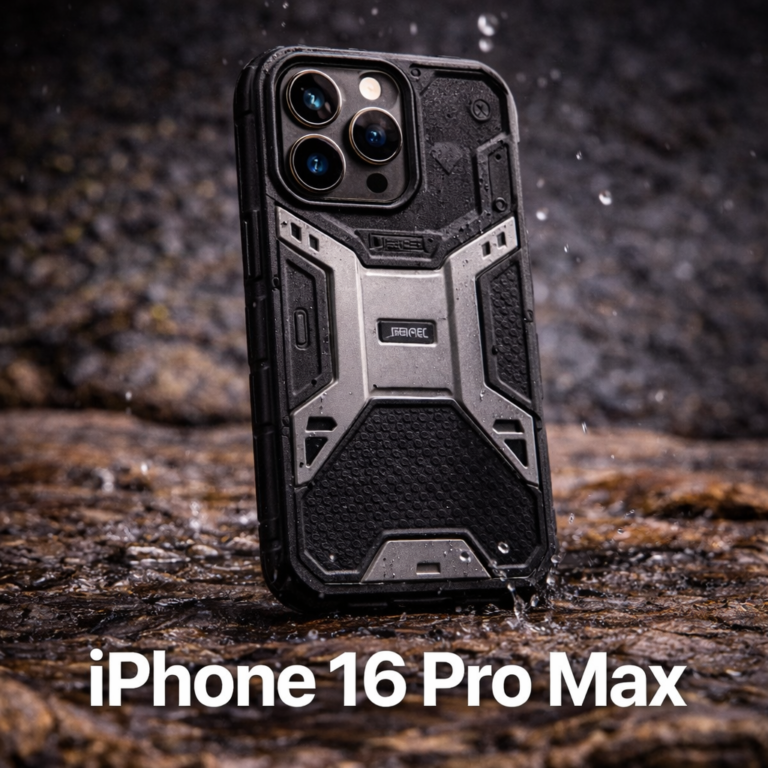
3. Protective case with magnet ring: best protection that still charges
Want real drop protection and wireless charging? Pick a protective case with an integrated magnet ring instead of a thick case without one.
The built-in ring is what makes MagSafe work through added thickness.
The catch: Still thicker than slim cases, so some third-party chargers may be slower.
Shop protective magsafe cases on Amazon
4. Detachable magnetic wallet: best fix for wallet users
If you love a wallet case, switch to a detachable magnetic wallet. Pop it off, charge, snap it back on.
It keeps cards away from the charger, which is what Apple recommends.
The catch: Magnetic wallets can slide off in tight pockets.
Shop magnetic phone wallets on Amazon
Quick fixes before you buy anything
- Take the case off and try again. If it charges fine, the case is the problem.
- Remove cards, metal plates and pop sockets from the back.
- Center the phone on the charger.
- Let the phone cool down if it’s hot. Charging slows when it’s warm.
FAQ
Why won’t my phone charge wirelessly with a case on?
The case may be too thick, contain metal, or lack magnets to align with MagSafe. Try it without the case to confirm.
Do I need a MagSafe case to use a MagSafe charger?
Not always, but a MagSafe case with built-in magnets gives the most reliable alignment and charging.
Can a wallet case damage cards when charging?
Apple says to remove cards and other sensitive items before charging with MagSafe.
What is Qi2?
A wireless charging standard that adds magnetic alignment similar to MagSafe for more phones and chargers.
Sources
Related reading
Get Device Protection Tips in Your Inbox
Honest product picks and quick fixes for your phone, laptop and tablet. No spam, ever.
Disclosure: Rough Wrap may earn a commission if you buy through links on this page, at no extra cost to you. See our affiliate disclosure.