Phone Dying Fast in the Cold? How to Protect Your Battery on Winter Trips
Heads up: this post contains affiliate links. If you buy through them, Rough Wrap may earn a commission at no extra cost to you.
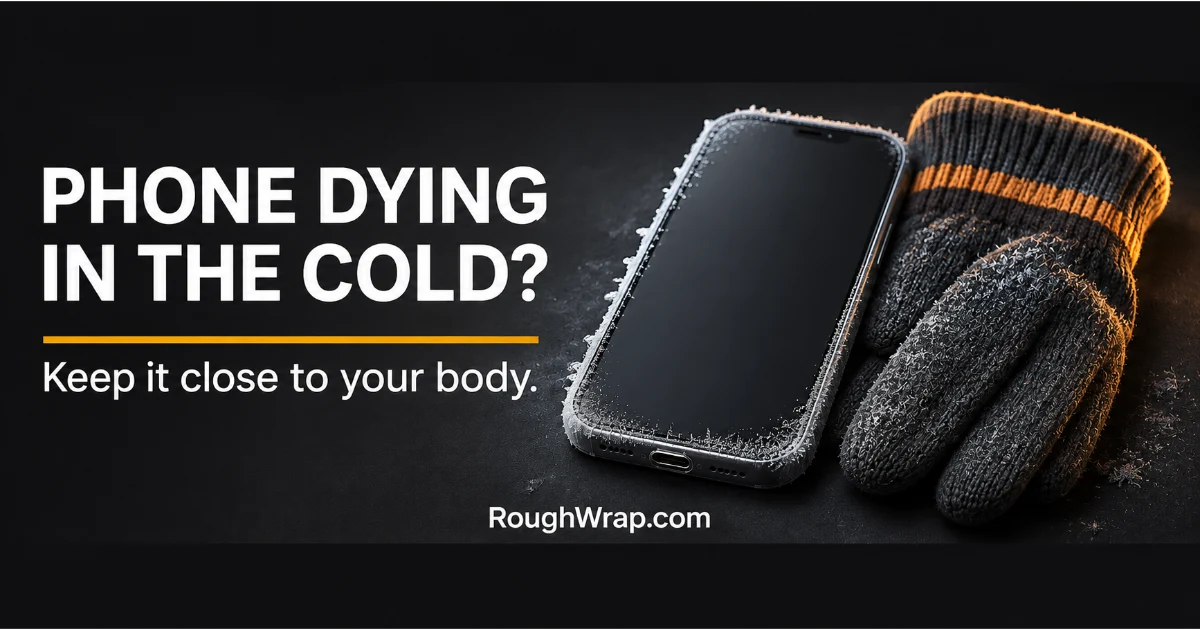
You’re at 60% at the trailhead. Twenty minutes into a cold hike, the phone shuts off. Sound familiar?
Cold weather doesn’t usually kill a battery for good, but it can drain it fast or shut the phone down. Here’s why, and what actually helps.
Why cold drains your phone
Lithium-ion batteries work through chemical reactions, and cold slows those down. Apple says iPhone and iPad are designed for use in ambient temperatures between 32 and 95 degrees Fahrenheit (0 to 35 Celsius).
Below that, Apple says the device may temporarily lose battery life, could turn off, and may not charge. The good news, per Apple: battery life returns to normal once the device warms back up.
Quick picks
| Pick | Best for | Where to buy |
|---|---|---|
| Insulated phone pouch | Ski days and winter hikes | Check price on Amazon |
| Compact power bank | Long days away from an outlet | Check price on Amazon |
| Touchscreen-compatible gloves | Taking photos without frozen fingers | Check price on Amazon |
| Phone lanyard or tether | Chairlifts and icy trails | Check price on Amazon |
How we picked
We didn’t freeze phones on purpose. We based this on Apple’s published temperature guidance and picked gear that addresses the real problem: keeping the phone and backup power warmer and in your pocket more.
We left out chemical hand warmers taped to phones, since putting a heat source directly against a battery isn’t a good idea.
1. Insulated phone pouch: best for keeping it warm
An insulated pouch slows heat loss from the phone, especially if you keep it in an inside pocket. It’s a simple fix that works with any phone.
Look for one with a zipper and a soft lining.
The catch: You’ll have to pull the phone out to use it, which exposes it to the cold again.
Shop insulated phone pouches on Amazon
2. Compact power bank: best backup power
Keep a small power bank in an inside pocket where your body heat keeps it warmer. When the phone dips, top it up.
Charge from the power bank once you’re somewhere warmer if the phone refuses to charge in the cold.
The catch: Power banks are batteries too, so they lose capacity in the cold. Keep them close to your body.
Shop compact power banks on Amazon
3. Touchscreen-compatible gloves: best for using the screen
The less time your bare hands spend fumbling, the quicker the phone goes back in your pocket. Touchscreen gloves let you snap a photo and stash the phone fast.
Get a snug fit, since loose fingertips don’t register taps well.
The catch: They’re never as precise as a bare finger. Expect some missed taps.
Shop touchscreen gloves on Amazon
4. Phone lanyard or tether: best case pairing
Cold, stiff hands drop phones. A lanyard keeps it attached when you pull it out for a picture on a chairlift or ridge.
Pick one that attaches through a card or tab under your case.
The catch: Some tether tabs sit between the phone and a wireless charger. Remove it when charging.
Habits that help more than gear
- Keep the phone in an inside pocket, close to your body.
- Turn on Low Power Mode before you head out.
- Download offline maps so the phone isn’t searching for signal.
- Don’t charge a phone that’s very cold. Let it warm up first.
- If it shuts off, warm it up gradually. Don’t put it on a heater or in front of a vent.
FAQ
Why does my phone die in cold weather?
Cold slows the battery’s chemical reactions, so it can’t deliver power as well. Apple says this can temporarily shorten battery life or shut the device off.
Does cold weather permanently damage phone batteries?
Apple says battery life returns to normal once the device returns to warmer temperatures.
What temperature is too cold for an iPhone?
Apple says iPhone is designed for ambient temperatures between 32 and 95 degrees F (0 to 35 C).
Should I charge my phone when it’s cold?
Let it warm up first. Apple notes a cold device may not charge or may stop charging.
Sources
Related reading
Get Device Protection Tips in Your Inbox
Honest product picks and quick fixes for your phone, laptop and tablet. No spam, ever.
Disclosure: Rough Wrap may earn a commission if you buy through links on this page, at no extra cost to you. See our affiliate disclosure.